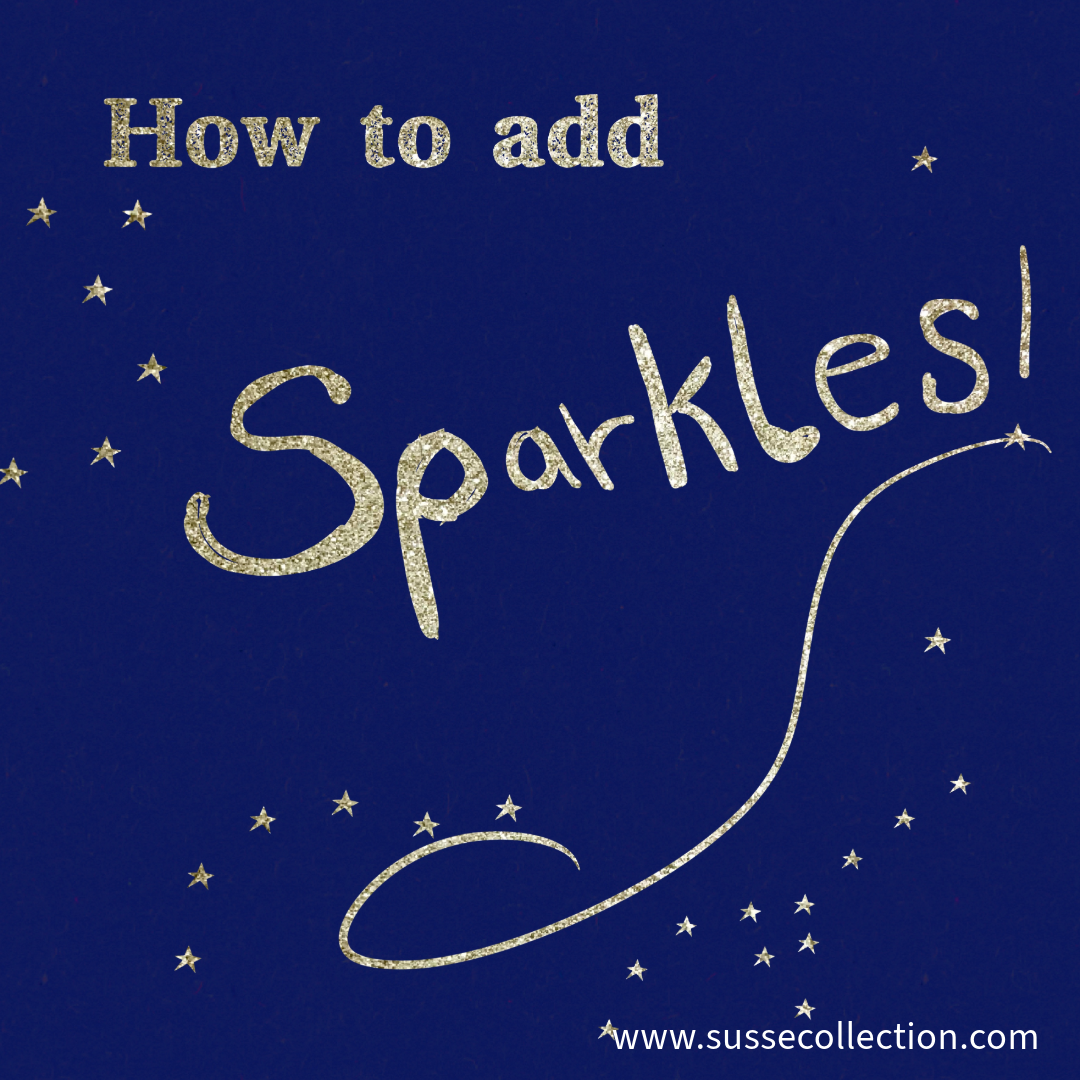
Pro tip Tuesday - How to add sparkles to your illustration using Procreate.
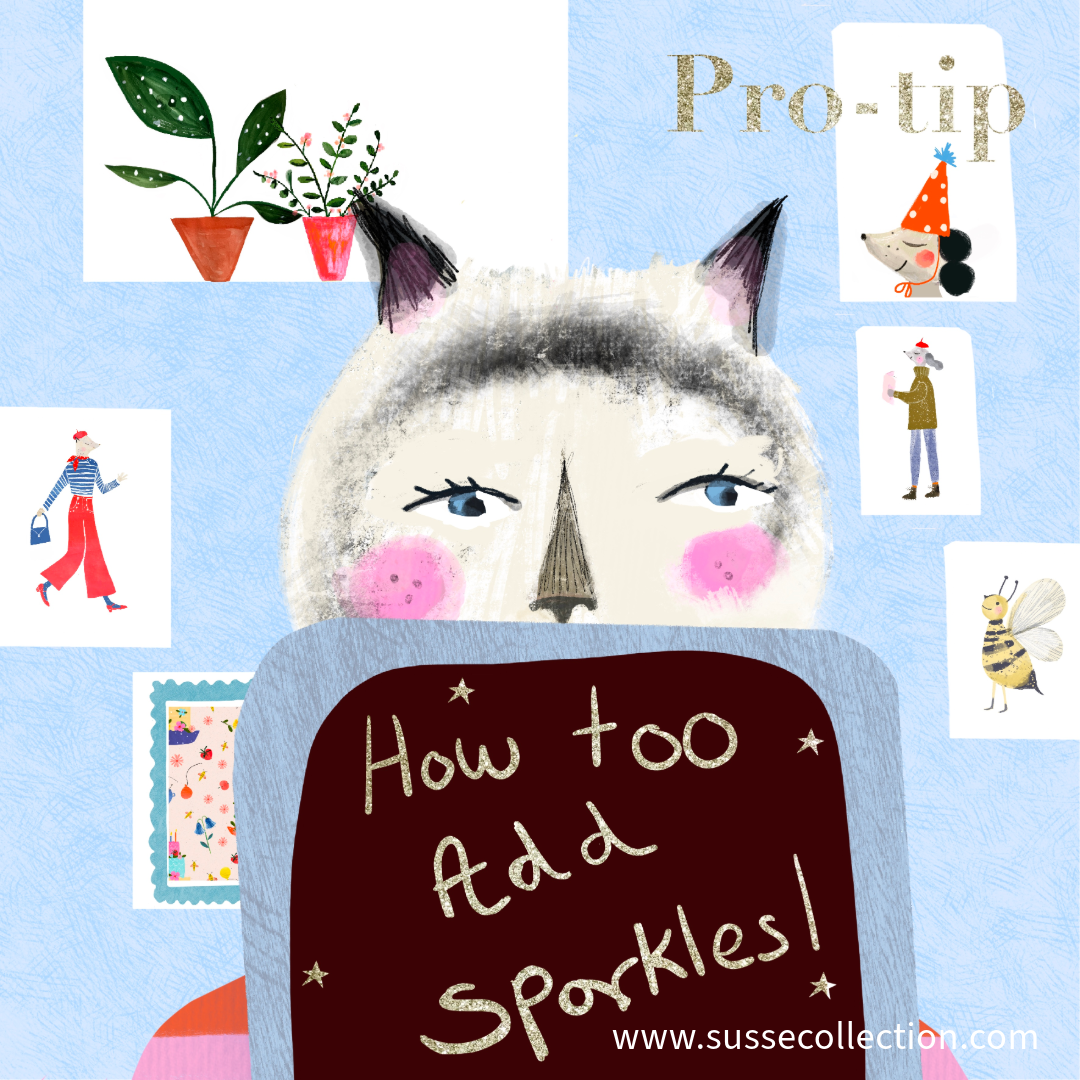
It’s time for a Pro Tip Tuesday!
Have you ever wondered how to add a bit of sparkle and glitter to your illustrations?
You might have a greeting card design and you want to add some metallic text to it.
Here is my easy tip.
This one is using Procreate but you could use this same method with photoshop or affinity designer.
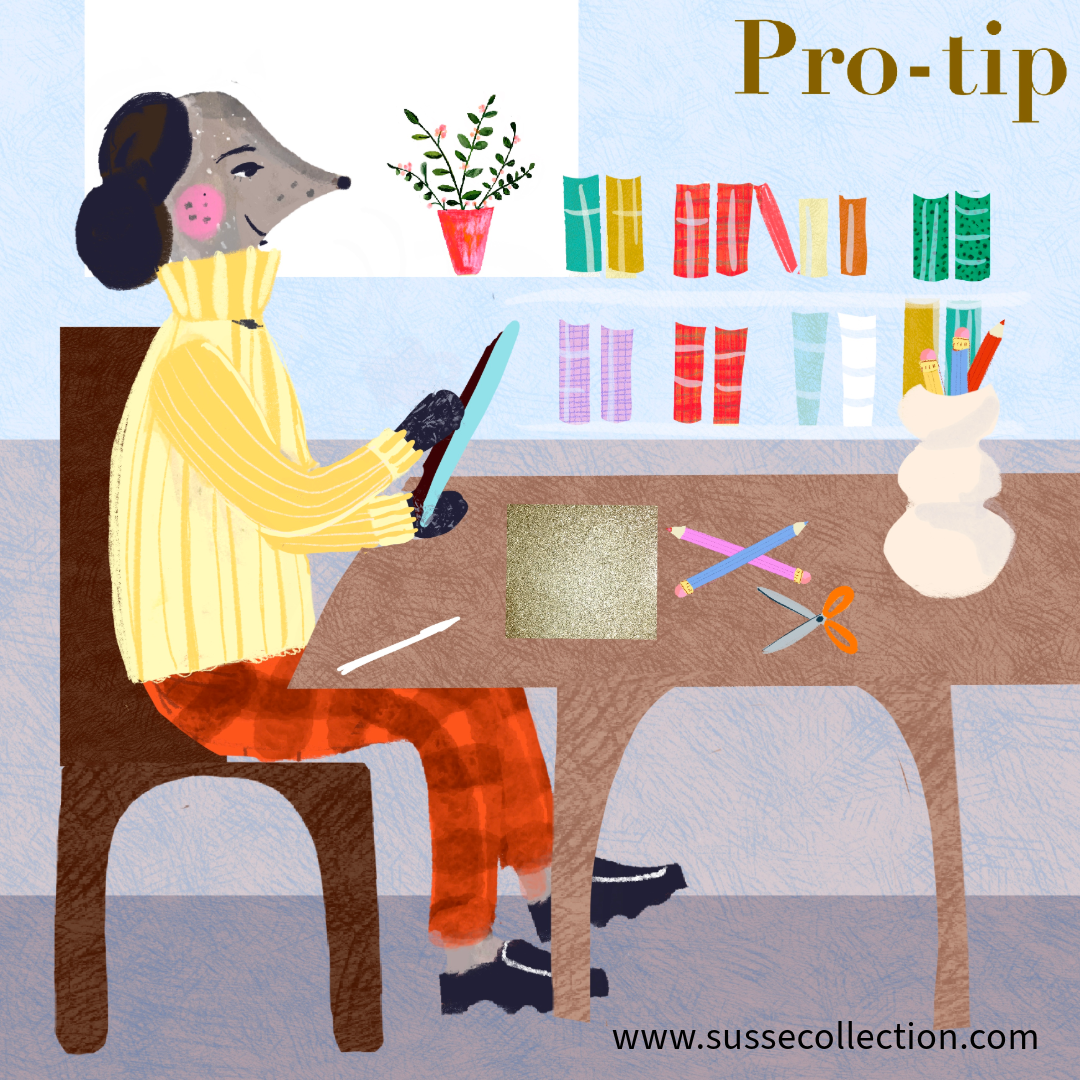
Step 1: Get some glitter paper from a craft store.
Step 2: Photograph it with your iPad and add it to your camera roll.
Step 3: Then open up Procreate and make a document you want to work on.
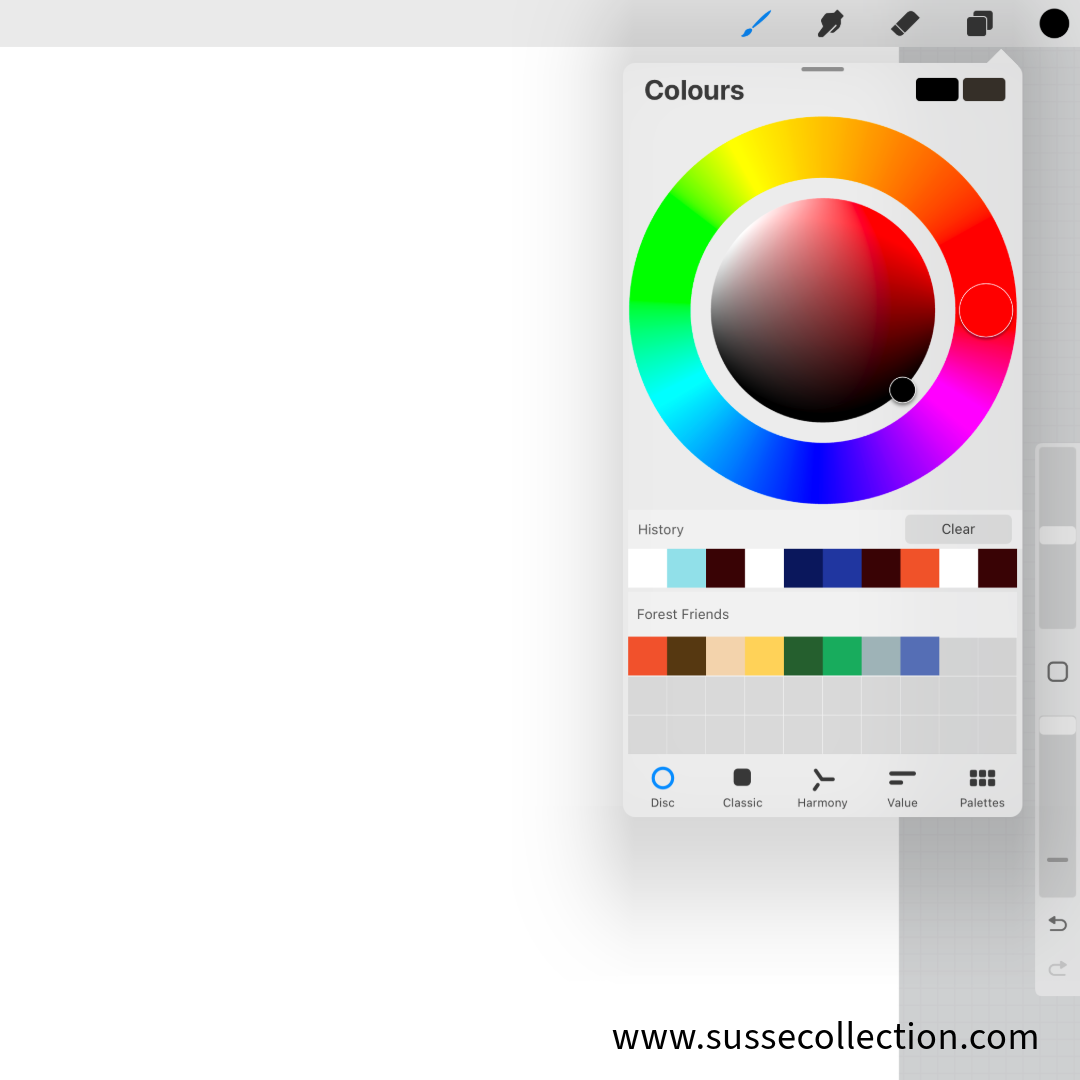
Step 4: Make your first layer and open up your colour pallet use a dark black
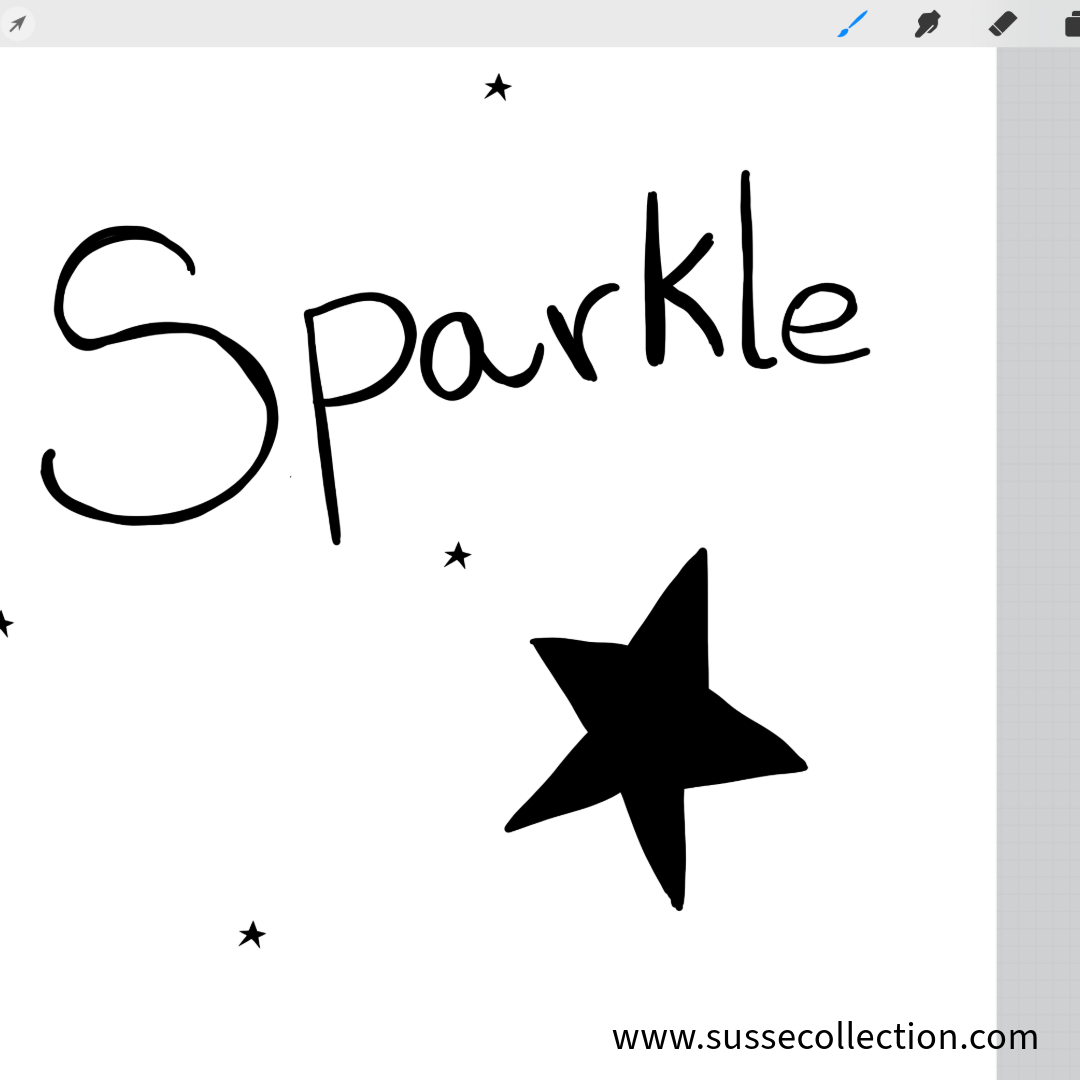
Step 5: Draw the text or illustrated line you want to high light with glitter.
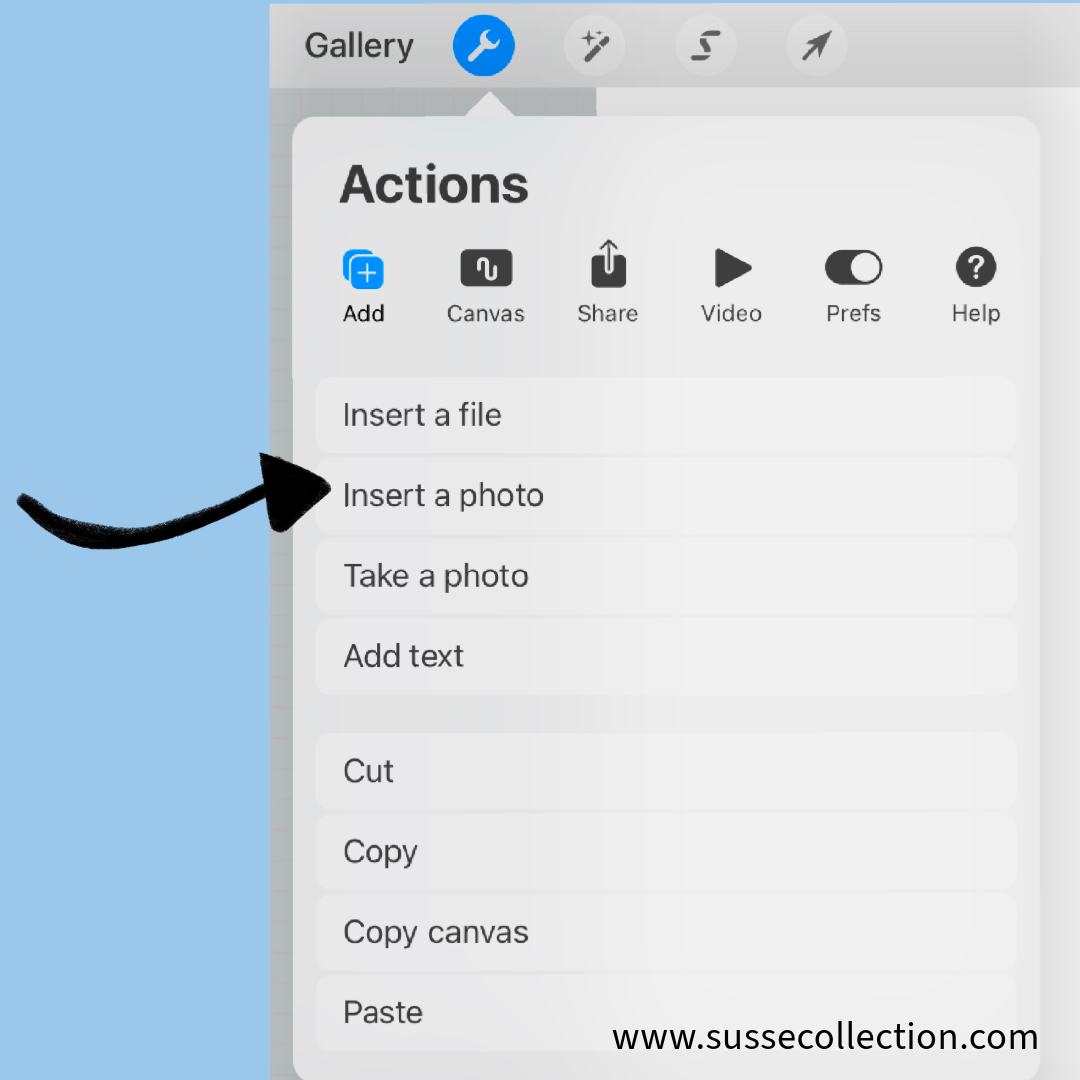
Step 6: Then go to the spanner and choose plus sign. Select add photo and bring in your glitter photo from your camera roll.
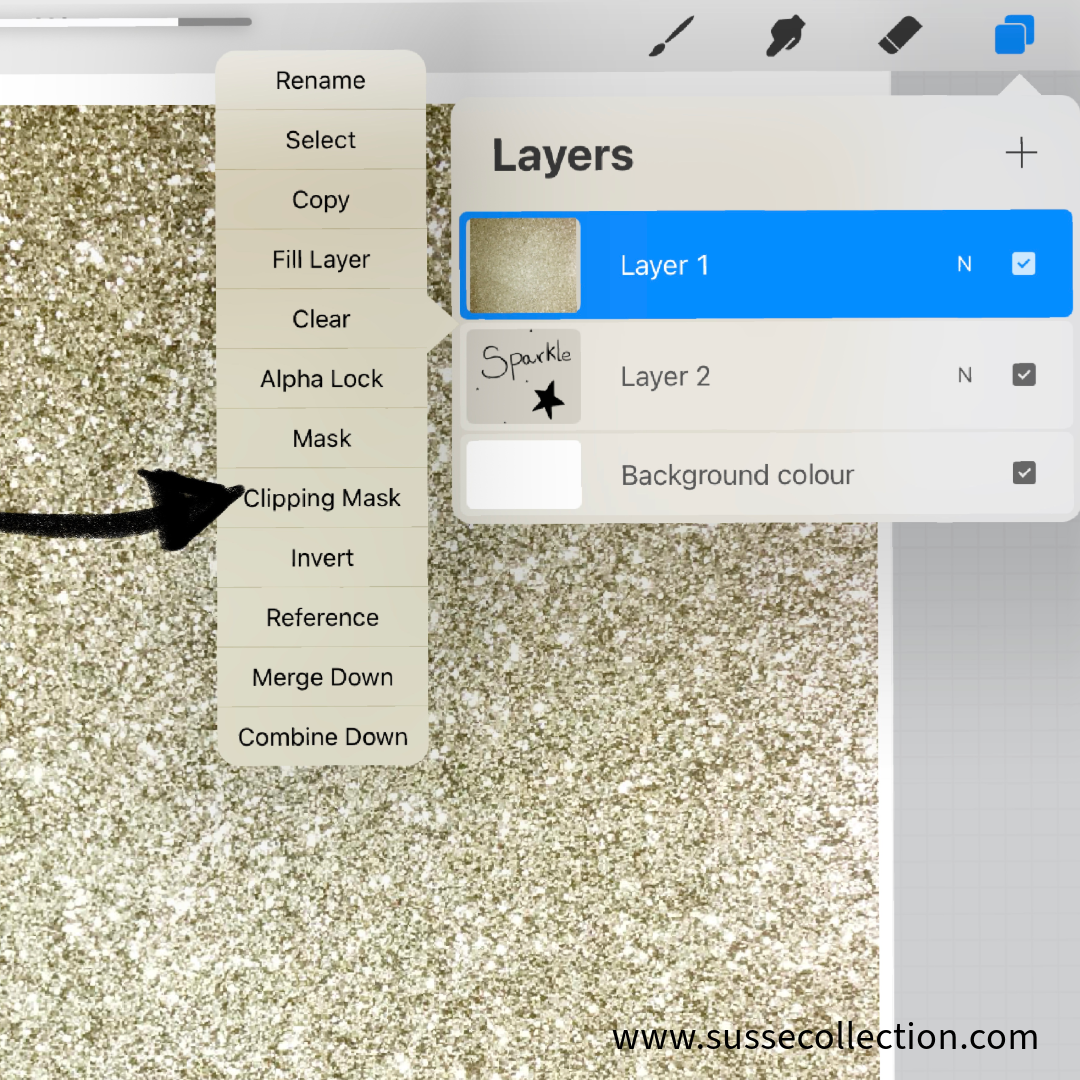
Step 7: This will be the second layer on top of your text.
Step 8: Select this layer and choose clipping mask from the left hand menu bar.
Ta da !! You have added some sparkle to your drawing or text.
You can refer to the carousel I made for you guys to help guide you.
I hope you found it a handy tip.
You can follow me on instagram to see more of my process and work. @Sussecollection